
Your TV deserves
a real player.
PabIPTV turns your M3U and Xtream Codes playlists into an interface worthy of the best streaming platforms: posters, plots, program guide and resume playback, on your TV and on your phone.
PabIPTV is a player only: no channel or movie is provided. You add your own source.
- No ads
- No tracking
- Optional account
- Built for the remote
- English and French
Everything your IPTV player should have been.
One app for your source's live TV, movies and series, with the comfort of a streaming platform.
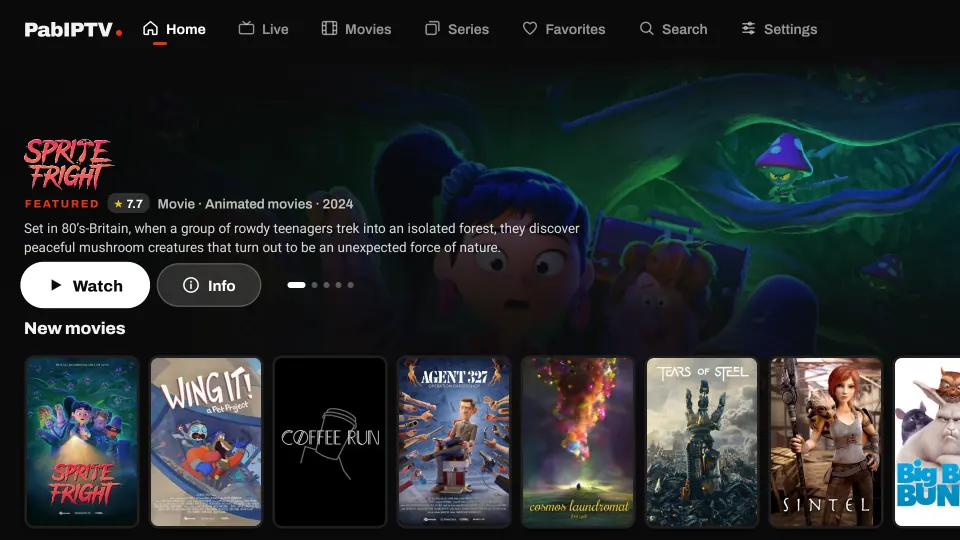
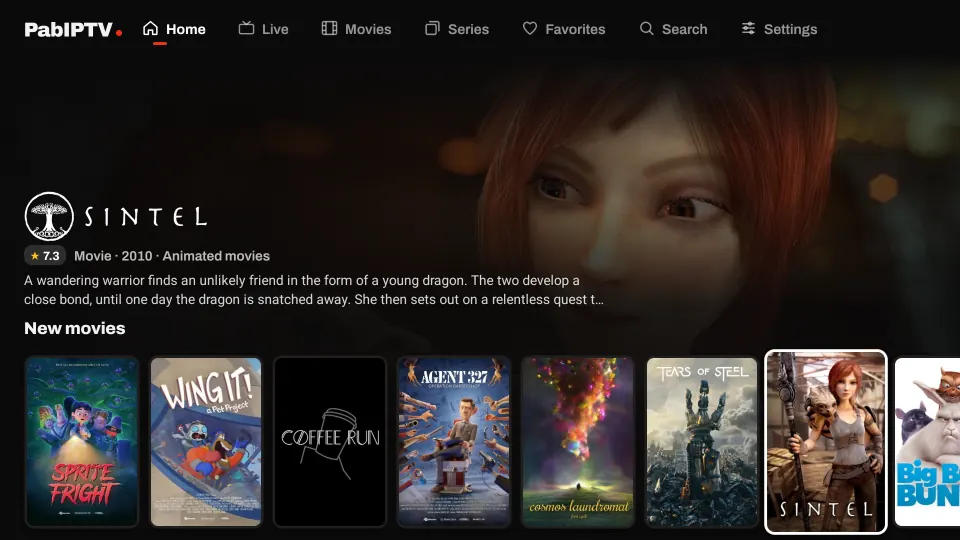
A home screen that makes you want to watch
Your library is no longer a list of file names. PabIPTV fills it in by itself with posters, title logos, ratings and plots.
- Automatically enriched info: posters, plots, cast, trailers. Nothing to set up.
- Rows by category, new arrivals and “Continue watching”.
- Filter by platform to find a title by where it comes from.
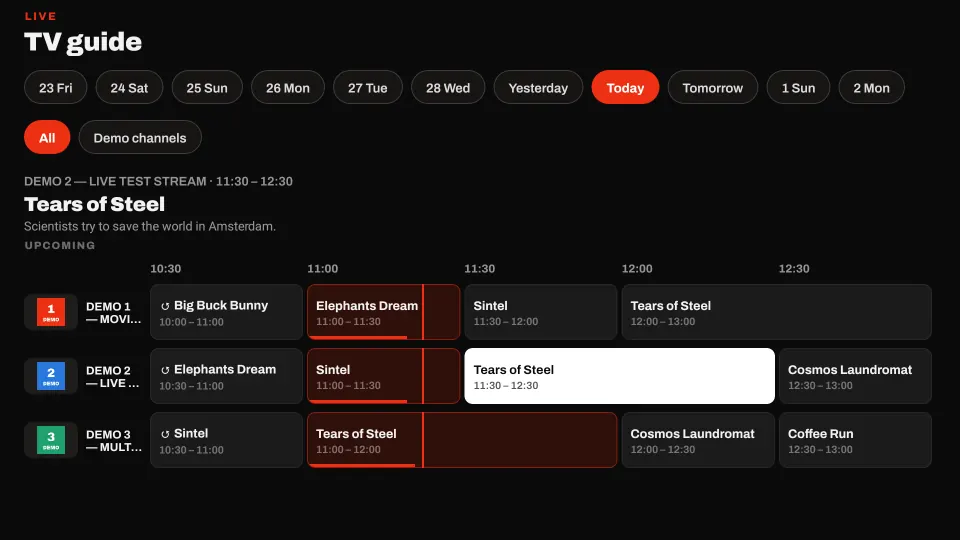
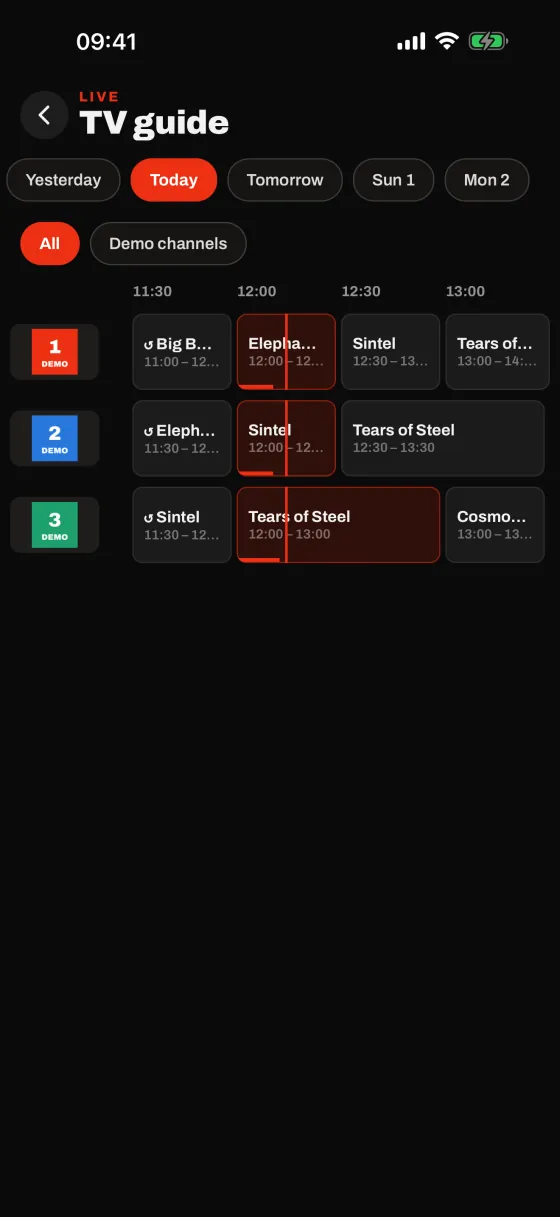
Live TV, with a real program guide
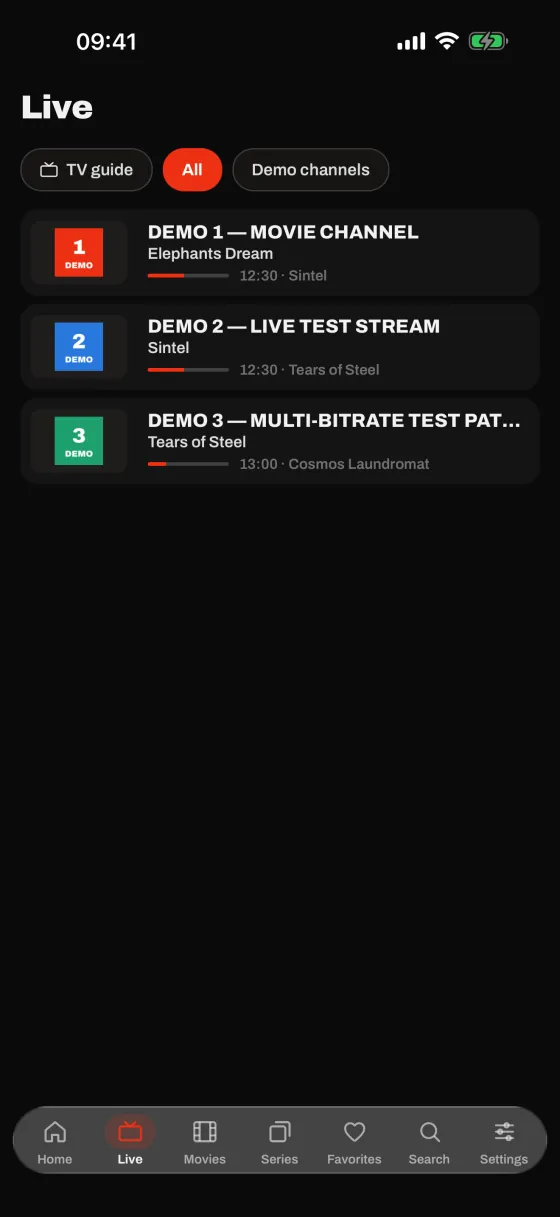
See what's on now and what's next, day by day, and switch channels in one move.
- TV guide (EPG) over several days, with the current show highlighted.
- Fast zapping with the remote’s channel up and down keys.
- Catch-up, when your source offers it.
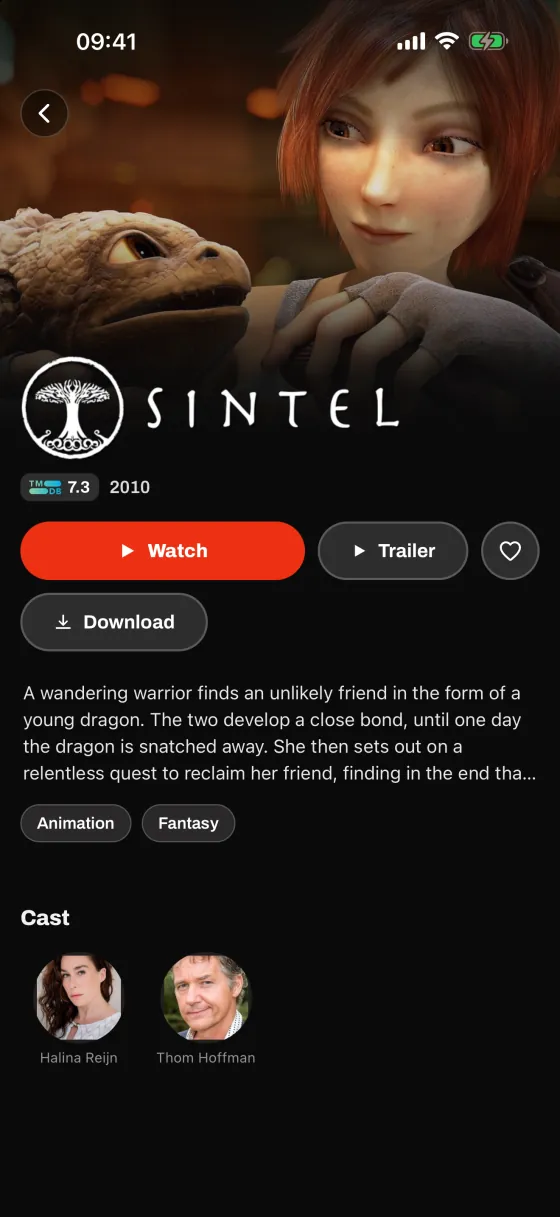
Rich title pages, like at the movies
Plot, cast, trailer and genres: everything you need to choose, then start in one click.
- Resume playback exactly where you left off.
- Auto-play next episode for series.
- Downloads to watch offline.
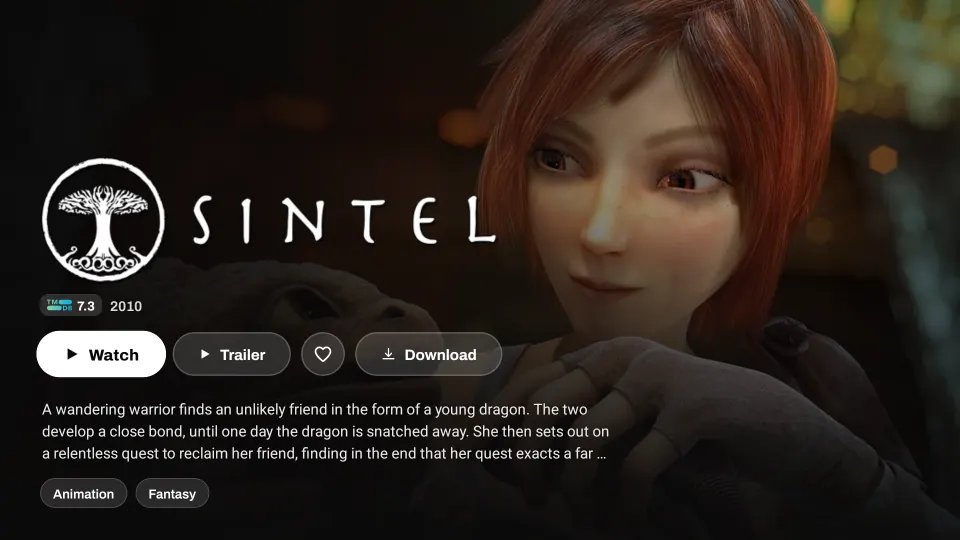
A player that plays (almost) everything
MP4, MKV, AVI, HLS: PabIPTV ships with two playback engines to open the files regular players refuse.
- Subtitles and audio tracks of your choice, with the audio track remembered for the whole series.
- Many audio codecs supported, including AC3, DTS and TrueHD.
- Picture-in-picture, playback speed and aspect ratio.
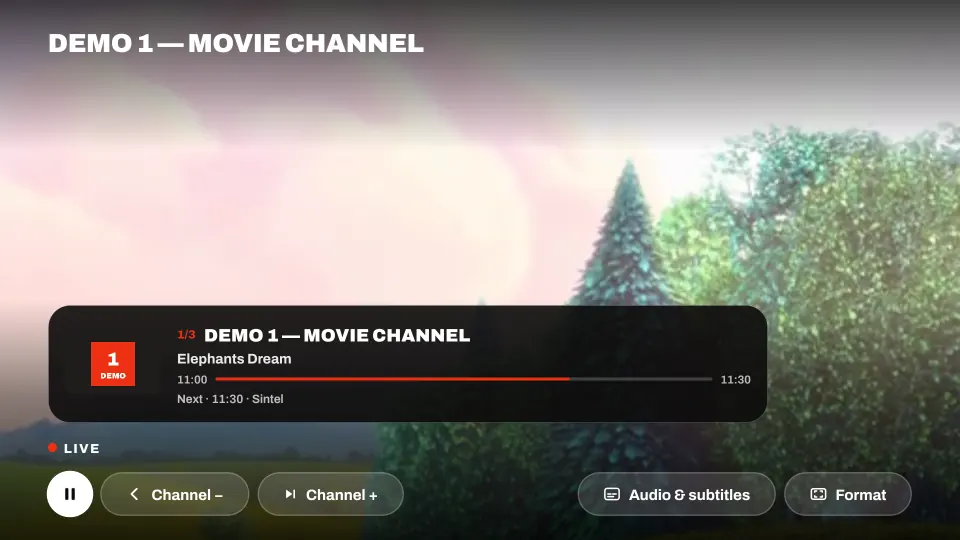
Find anything in a second
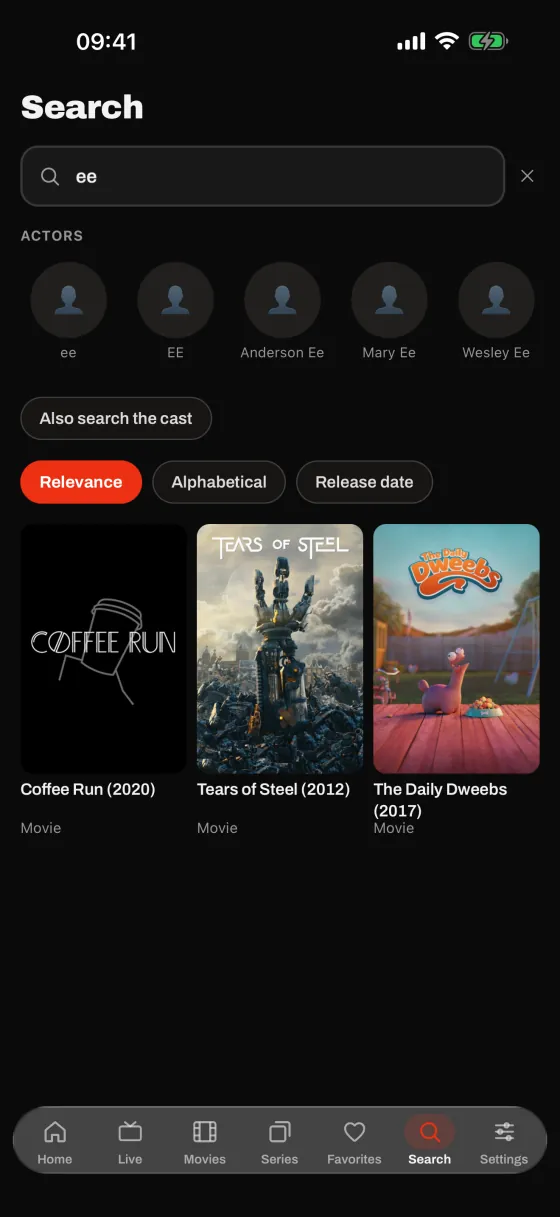
Instant search across your whole catalog, even with tens of thousands of titles.
- Search by title or by actor, with their filmography.
- Favorites and history to find your favorite movies and channels.
- Sort by relevance, alphabetically or by release date.
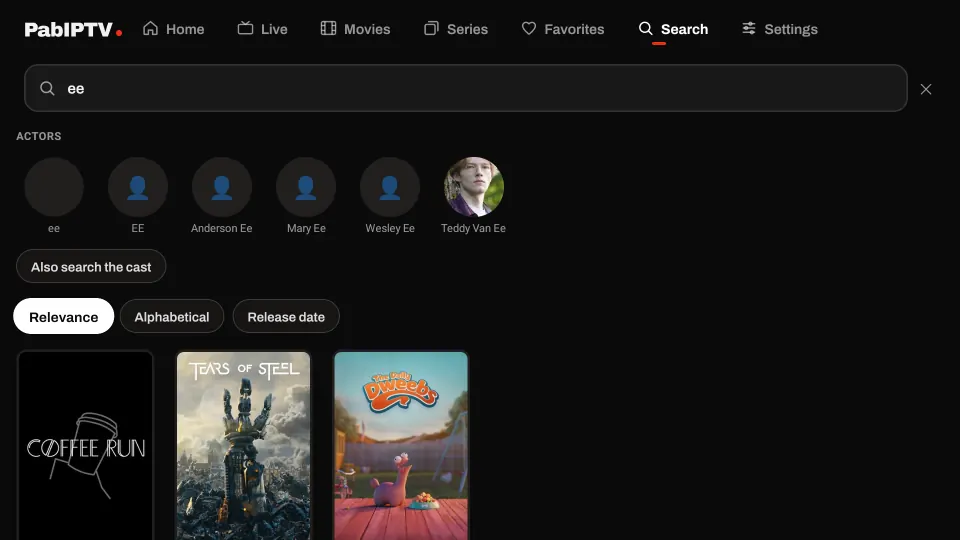
Start on the TV, carry on in the subway.
The same app, designed for touch, on iPhone, iPad and Android.
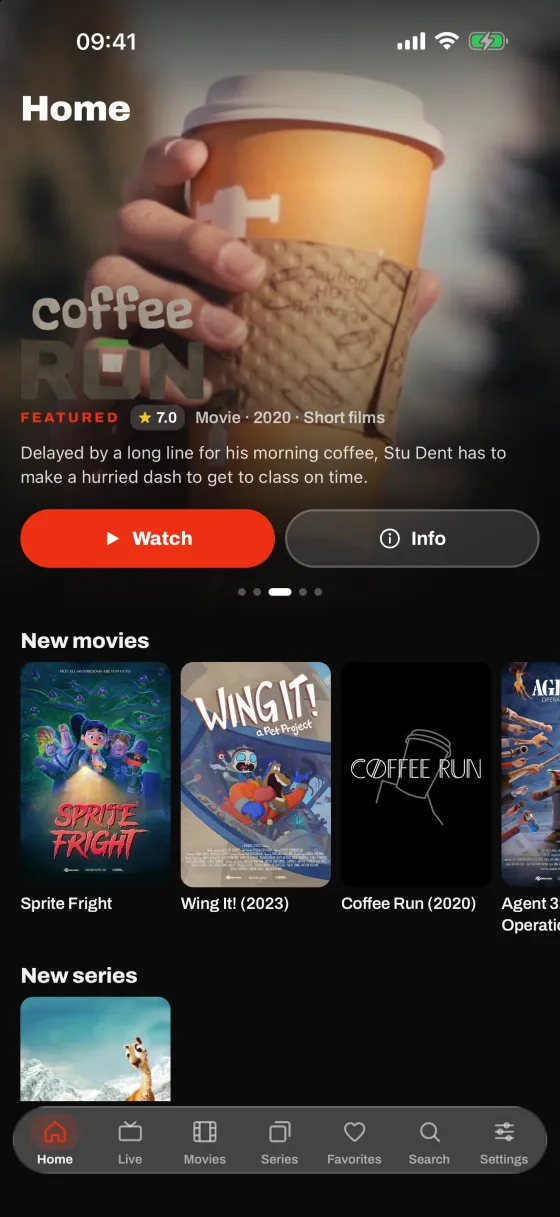
Always in sync
Sign in with Google or Apple: playlists, profiles, favorites and progress follow you on all your devices.
Cast to your TV
Send the video to a Chromecast or, on iPhone and iPad, with AirPlay.
Watch offline
Download a movie or an episode before you leave, and watch it without a network.
The details that make the difference.
Profiles
One profile per person, with their own favorites and progress.
Parental controls
A PIN code and hidden categories, profile by profile.
Quick add
Paste the link from your provider: server and credentials fill in by themselves.
Built for the remote
On Android TV, everything works with the arrow keys, with a focus highlight you can read from the couch.
QR code sign-in
On the TV, scan a QR code with your phone to sign in, without typing anything.
English and French
The app follows your device language.
Wherever you watch.
Ready in under a minute.
Install PabIPTV
On your Android TV, iPhone, iPad or Android phone.
Add your source
An M3U playlist or an Xtream Codes account, from a service you subscribe to. Easiest: paste the link your provider sent you.
Enjoy
Your catalog sorts itself, with posters, plots and a program guide.
Your data stays yours.
No ads, no analytics, no tracking. Without an account, everything stays on your device.
Read the privacy policy- No ads, no analytics or tracking tools.
- Optional account, only to sync your devices.
- Nothing is sold or shared. Your data is only used to run the app.
- One-tap deletion: Settings › Account › Delete my account.
Frequently asked questions
Does PabIPTV provide channels or movies?
No. PabIPTV is a player only. No playlist, channel or video stream is included, sold or recommended. You add your own source, from a service you are legally subscribed to, and only watch content you have the right to watch.
Which sources are supported?
M3U playlists (by URL) and Xtream Codes accounts (server address, username, password). With quick add, just paste the link your provider sent you: the fields fill in by themselves.
Do I need an account?
No. The app works fully without an account, and everything then stays on your device. The account (Google, or Apple on iPhone and iPad) is only used to sync your playlists, profiles, favorites and progress across your devices.
Which devices does PabIPTV run on?
Android TV and Google TV, iPhone and iPad (iOS 15.1 or later), Android phones and tablets (Android 8 or later).
What happens to my data?
No ads, no analytics, no tracking. If you sign in, your sync data is stored with our hosting provider (Supabase) only to run the app. Everything is detailed in the privacy policy.
How do I delete my account?
In the app: Settings › Account › Delete my account. Deletion is immediate and permanent. Without access to the app, follow the online procedure.

Ready to rediscover your playlist?
PabIPTV is coming very soon to Google Play and the App Store.
PabIPTV is a player only: no channel or movie is provided. You add your own source.